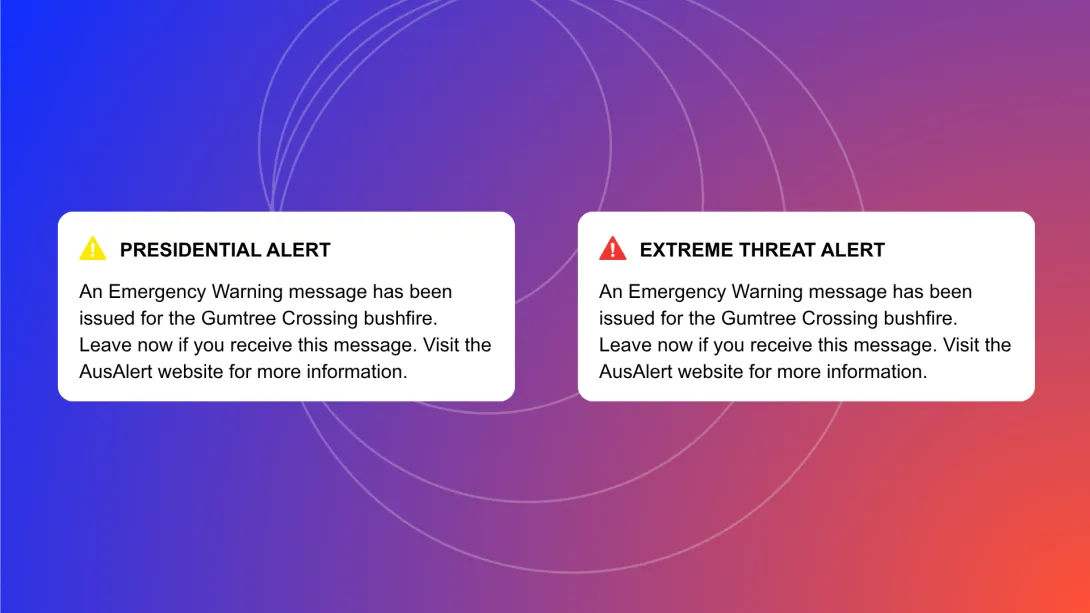
AusAlert has 2 types of alerts, depending on how severe the emergency is.
The way the alerts look may change depending on your mobile device and operating system.
Critical Alert
This is the highest level of warning. It means you may be in danger. You should act immediately.
- Your mobile device will vibrate and make a loud siren-like warning sound for about 10 seconds before stopping.
- Your device will vibrate and make the sound even if it is on ‘silent’ or ‘do not disturb’.
- You can’t opt out of receiving Critical Alerts.
- The only way to not receive a Critical Alert is to turn your mobile device off or switch it to aeroplane mode.
AusAlerts contain important information and should be turned on to keep you safe and informed during disasters.
A Critical Alert looks something like this:
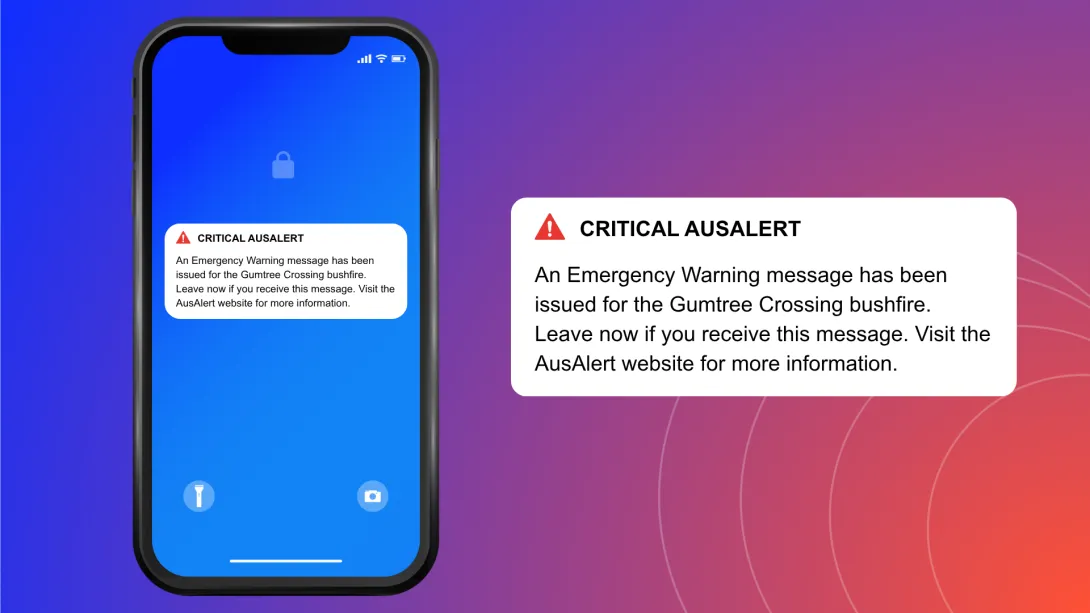
A Critical Alert sounds like this:
AusAlert sound
Priority Alert
This is used when there is a high level of threat. It means conditions are changing. You should 'watch and act'.
- Your mobile device may vibrate and make a loud siren-like warning sound that lasts for about 10 seconds before stopping.
- Your device won't vibrate or make the sound if it is on ‘silent’ or ‘do not disturb’.
- You can opt out of receiving a Priority Alert in your mobile device settings.
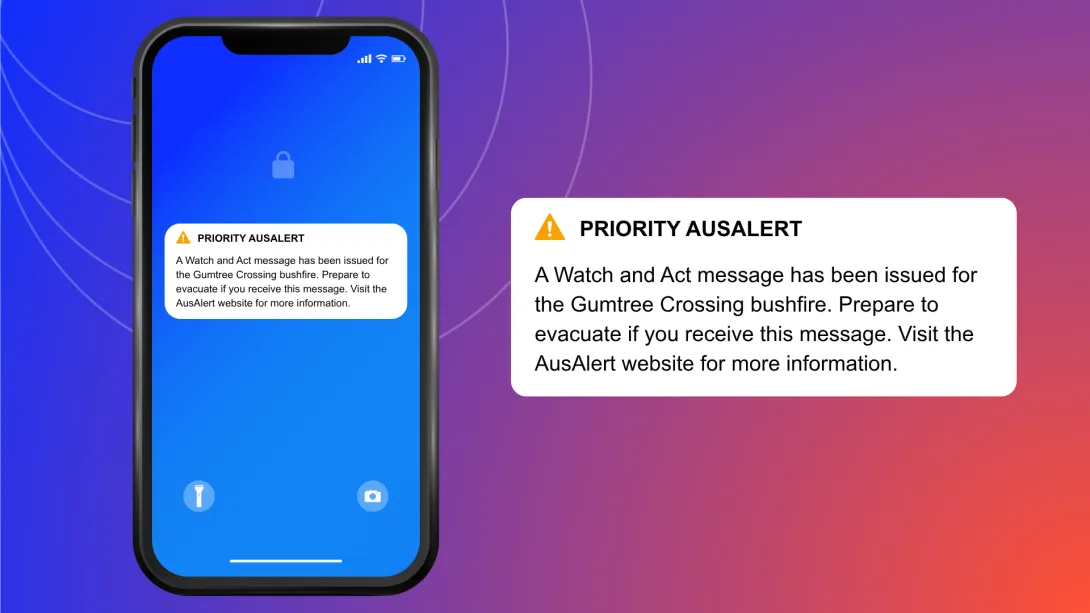
A Priority Alert looks something like this:
Alternative Alert titles
If you have an older device or use an alternate operating system (e.g. GrapheneOS, LineageOS), you may receive an alert with the heading ‘Presidential Alert’ or ‘Extreme Threat Alert’. The content of the alert will be the same as one titled AusAlert. You should still follow the instructions in the alert.
This is because some older devices or operating systems don't follow Australian Standards and display an American or international alert heading instead of the Australian 'AusAlert' title.