Duffy, ACT – complete
10:30 am Wednesday 10 June 2026
Be AusAlert ready: always install the latest software updates on your devices.


AusAlert will be ready to use in October 2026, but before it launches, we tested the system in local communities.
AusAlert was tested in selected communities across Australia in June 2026.
We took several devices to each location to test different device models, operating systems and settings. Our results and feedback from each community helped us troubleshoot issues and improve the AusAlert system.
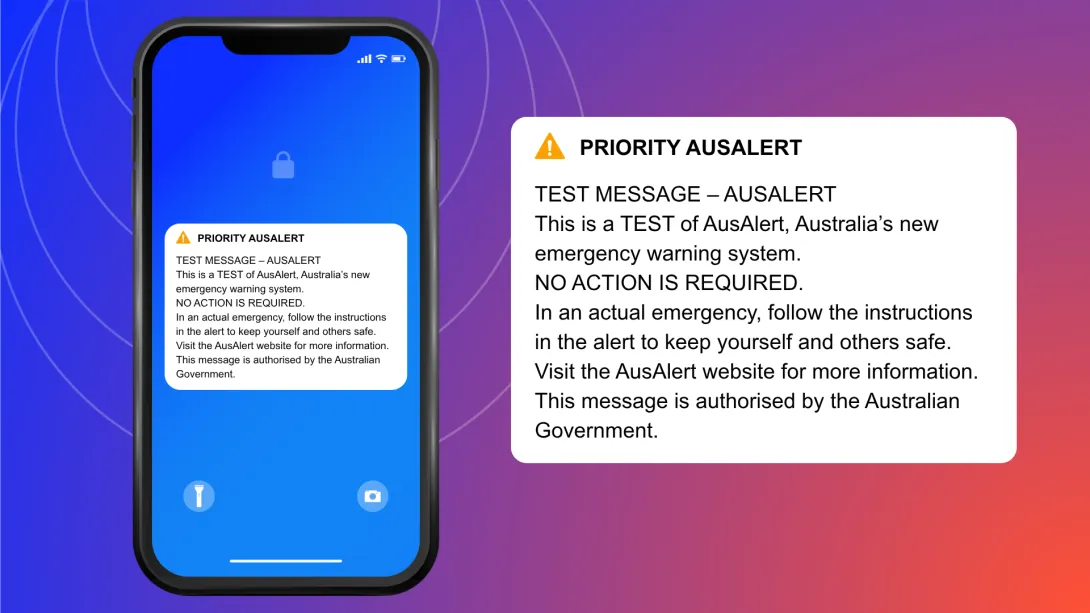
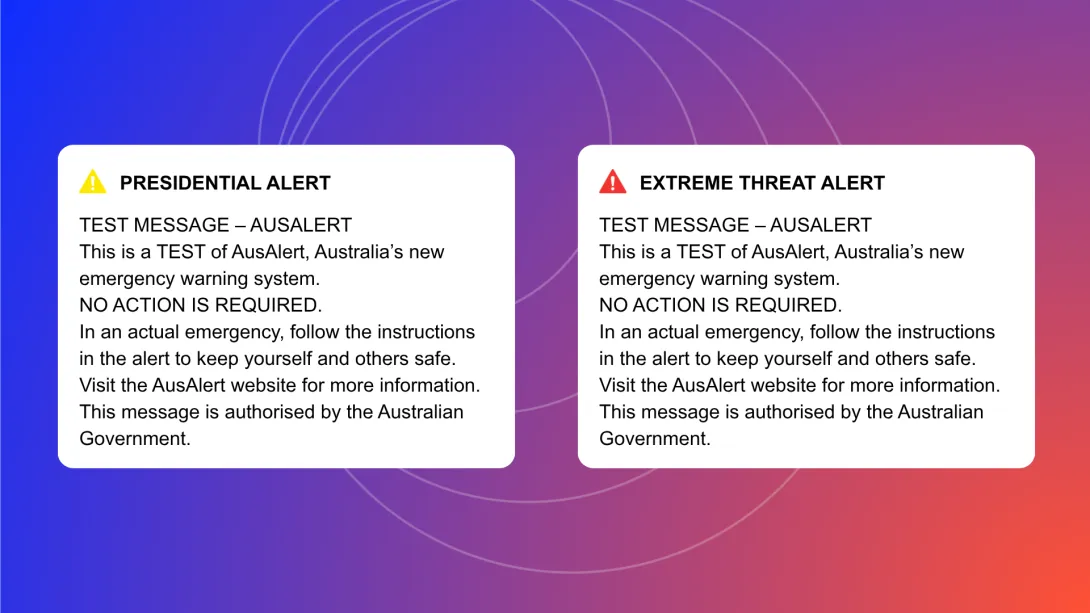
10:30 am Wednesday 10 June 2026
11:00 am Monday 15 June 2026
2:00 pm Tuesday 16 June 2026
4:00 pm Wednesday 17 June 2026
10:00 am Thursday 18 June 2026
2:00 pm Thursday 18 June 2026
12:00 pm Friday 19 June 2026
11:00 am Saturday 20 June 2026
2:00 pm Sunday 21 June 2026
You don’t need to do anything.
It is just a test.
But in an actual disaster, an AusAlert will tell you the type of emergency, where it’s located, how serious it is and what to do. It will also tell you the name of the emergency organisation that has sent the AusAlert and where to find more information about the emergency.
You don't need to do anything.
You might not have been in the test area, your device might not have been compatible or maybe it wasn’t connected to a mobile tower at the time of the test.
If you want to provide feedback on a community test, contact us.
To make sure you're AusAlert ready, always install the latest software updates on your device when asked. Be sure to restart your device after updating.