

AusAlert will be ready to use in October 2026, but before it launches, the system needed to be tested across Australia.
About the test
Around 2:00 pm AEST on Monday 27 July 2026, a test Critical Alert was sent to all compatible mobile devices in Australia.
This included most phones, and some smart watches and tablets. About 94% of all mobile towers successfully broadcast the alert.
Critical Alert
At the time of the test, a single Critical AusAlert test was sent to every mobile device in Australia. Those with a compatible phone or other device received the alert.
Devices vibrated and played a siren-like warning sound for about 10 seconds.
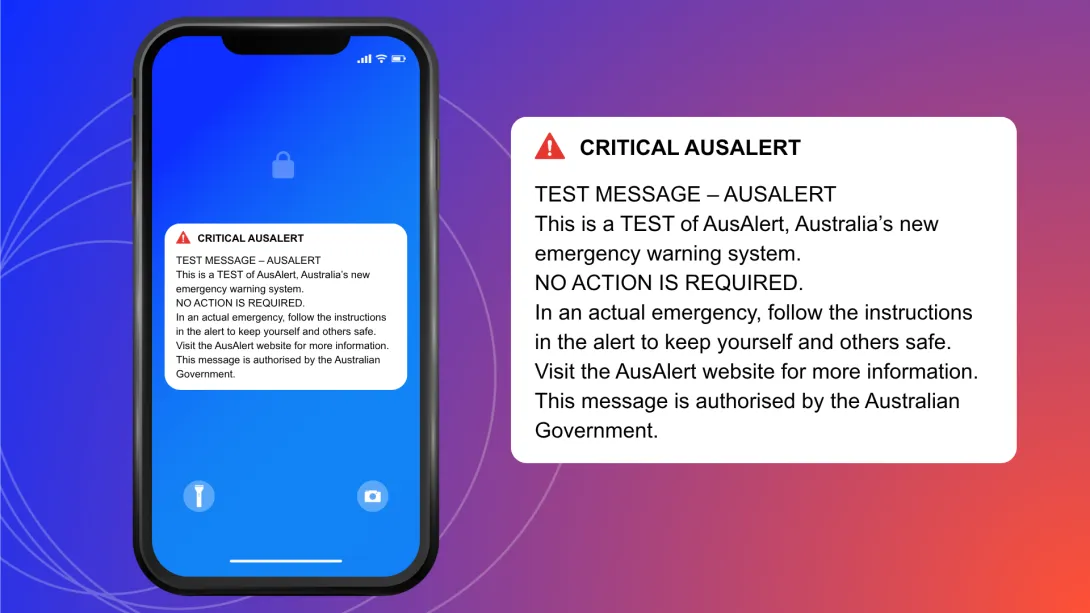
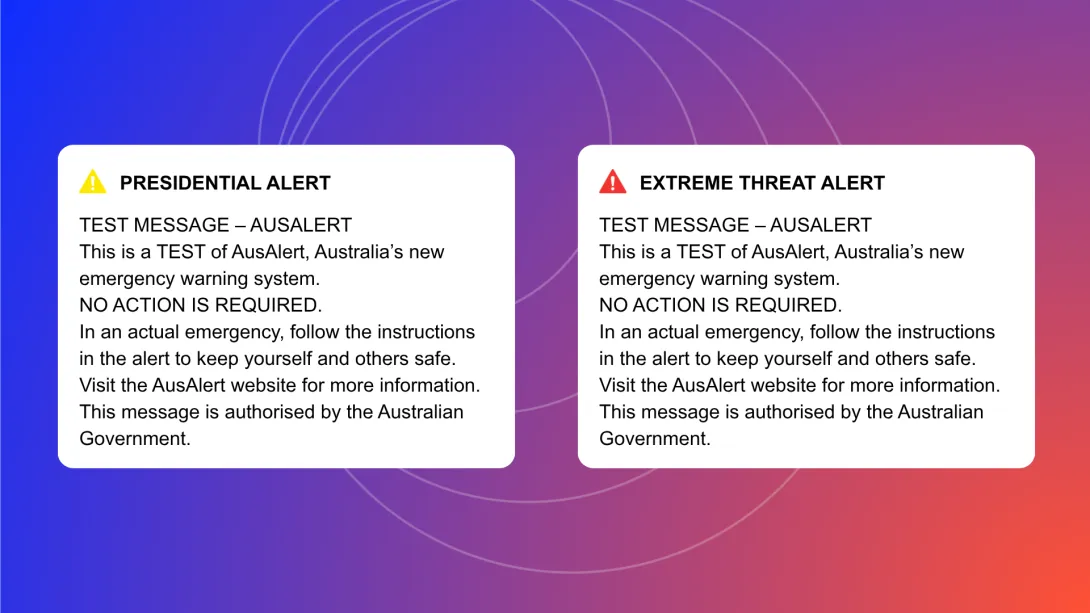
An AusAlert message appeared on device screens. It clearly said it was a test.
Exactly how it appeared depended on the device type and operating system.
It looked something like this:
The alert sounded like this:
Alert sound
What to do if you received the test alert
You don’t need to do anything.
It's just a test.
But in an actual disaster, an AusAlert will tell you:
the type of emergency
where it’s located
how serious it is
what to do
the name of the emergency organisation that has sent the AusAlert
where to find more information about the emergency.
What to do if you didn’t receive the test alert
You don't need to do anything.
It's just a test.
There are many reasons why you might not have received the test alert:
Your device might be older or not support AusAlert, meaning it's not compatible.
Your device might not be updated to a software version that allows emergency alerts to be received.
Your device might not have had mobile signal at the time of the test.
The mobile tower closest to you might not have been working due to maintenance or outage, or it might not have had any power.
Your device might have been switched off, in aeroplane mode or not connected to any mobile tower at the time of the test.
This is all OK.
Finding out how devices behave is one of the reasons why we're testing the AusAlert system before it launches.
If you want to provide feedback on the national test, contact us.
To make sure you're AusAlert ready, always update the latest software version on your device when asked. Be sure to restart your device after updating.
What to do if you received the test alert but someone nearby didn't
You don't need to do anything.
It's just a test.
We expected devices to behave differently during the national test.
You may have received the alert at the exact test time, while someone you know received it later or not at all.
There are many reasons why you might have received the national test differently to someone nearby.
Your device might have been:
with a different mobile service provider
connected to a different mobile tower
running a different software version
older or one that doesn't support AusAlert, meaning it's not compatible.
This is all OK.
It doesn't mean the test has failed or there has been a technical issue.
We're testing to confirm the AusAlert system is working as intended and to help us understand how it performs across different devices, networks and locations.
If you'd like to provide feedback on the national test, contact us.
To make sure you're AusAlert ready, always update the latest software version on your device when asked. Be sure to restart your device after updating.
